
Connect your business to WhatsApp Business
Follow this step-by-step guide to set up your WhatsApp Business account and start communicating with your customers professionally.
Before starting, you need:
The phone number cannot be registered on the personal WhatsApp app. If it is, you must unlink it first.
Step by step
Complete each step in order. The full process takes approximately 15-20 minutes.
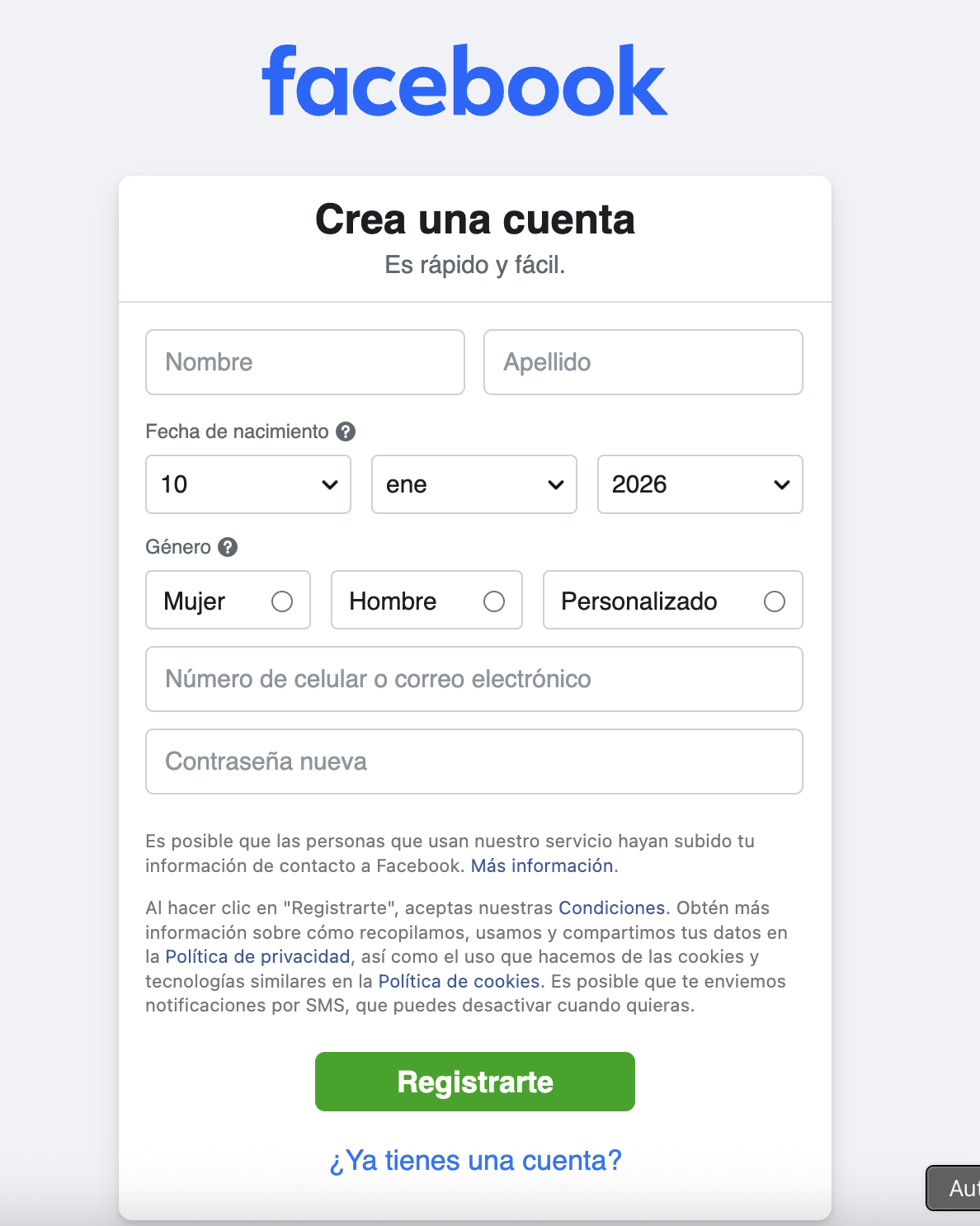
You need a personal Facebook account to access Meta Business tools. If you don't have one, go to facebook.com and sign up with your email.
Use an email you have access to. You can use your personal or business email.
Additional recommended steps
These steps are not required to start using WhatsApp Business, but we recommend completing them to get the most out of the platform. You can do them now or at any time.
Benefits of verifying your business
Final steps on the platform
Once the Meta process is complete, return to the invitation link to finish your registration.
Need help?
If you have problems during the process, contact your Nexttia administrator or write to us directly.
Contact support